Dictate
Speak into the app you are already using.
Start from a global hotkey, choose live or final-only delivery, and use clipboard fallback when direct insertion is unavailable.
LocalWhisper
A native Mac workbench for dictation, imported recordings, meeting capture, searchable transcripts, and optional text actions through speech and language engines you choose.
No card for the trial · One-time purchase · Native Mac app
Hey Maya, I’m running about ten minutes late, but I’ll send the revised draft before lunch.
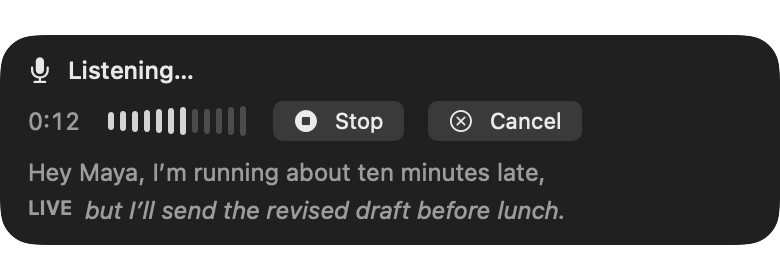

Press the global hotkey. Speak. Keep working where you already are.
Three connected workflows
Dictate
Start from a global hotkey, choose live or final-only delivery, and use clipboard fallback when direct insertion is unavailable.
Transcribe
Import supported audio, video, and transcript files, then search, edit, replay, rerun, and export the result from one library.
Transform
Clean text, summarize, make chapters, extract action items, translate, or ask questions through Apple Intelligence or a configured service.
Transcript workbench
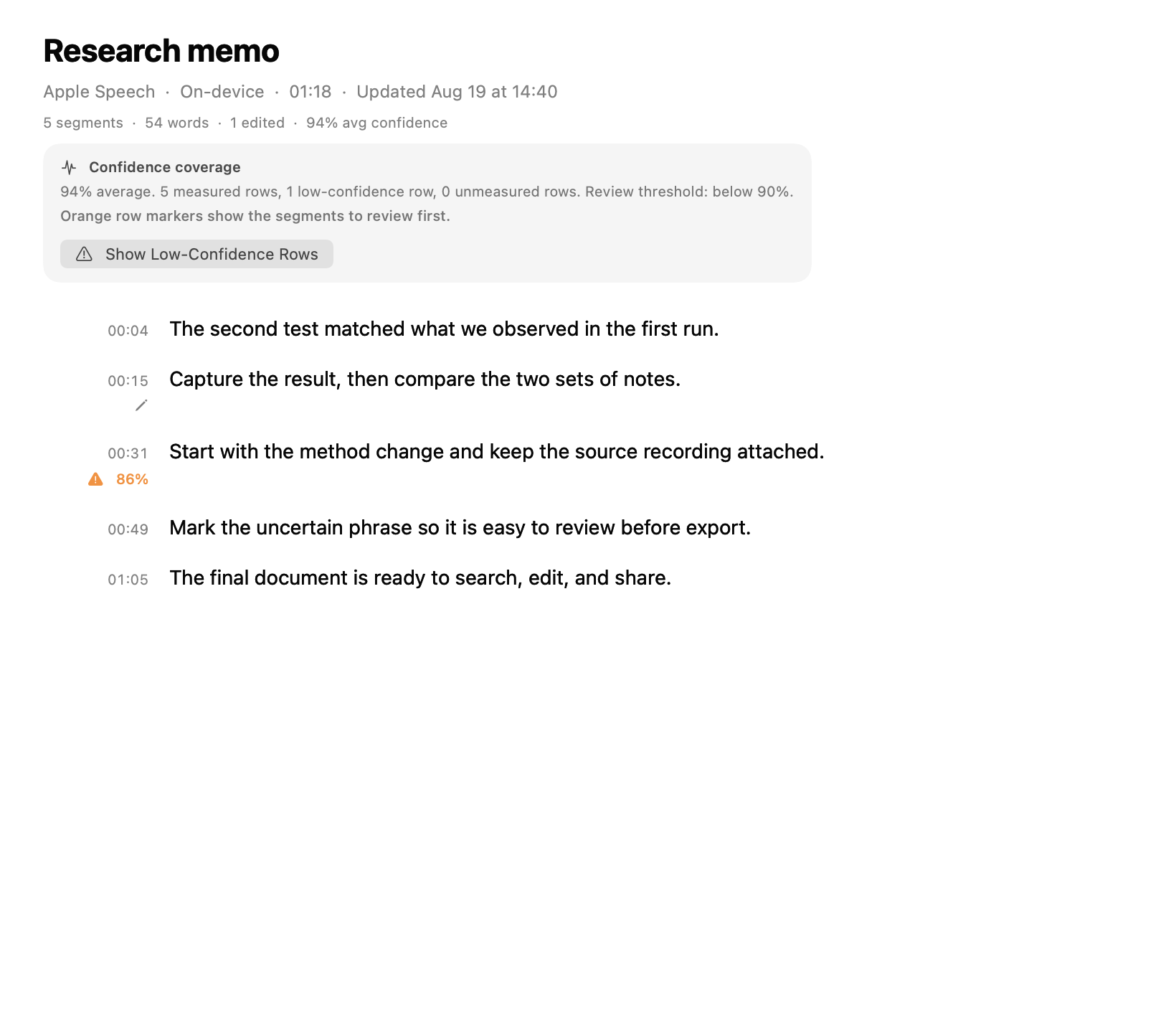
Import supported audio, video, or transcript files. Edit the result as a document, move through it by time, search the library, preserve earlier transcript revisions, and export the version you need.
Meeting capture
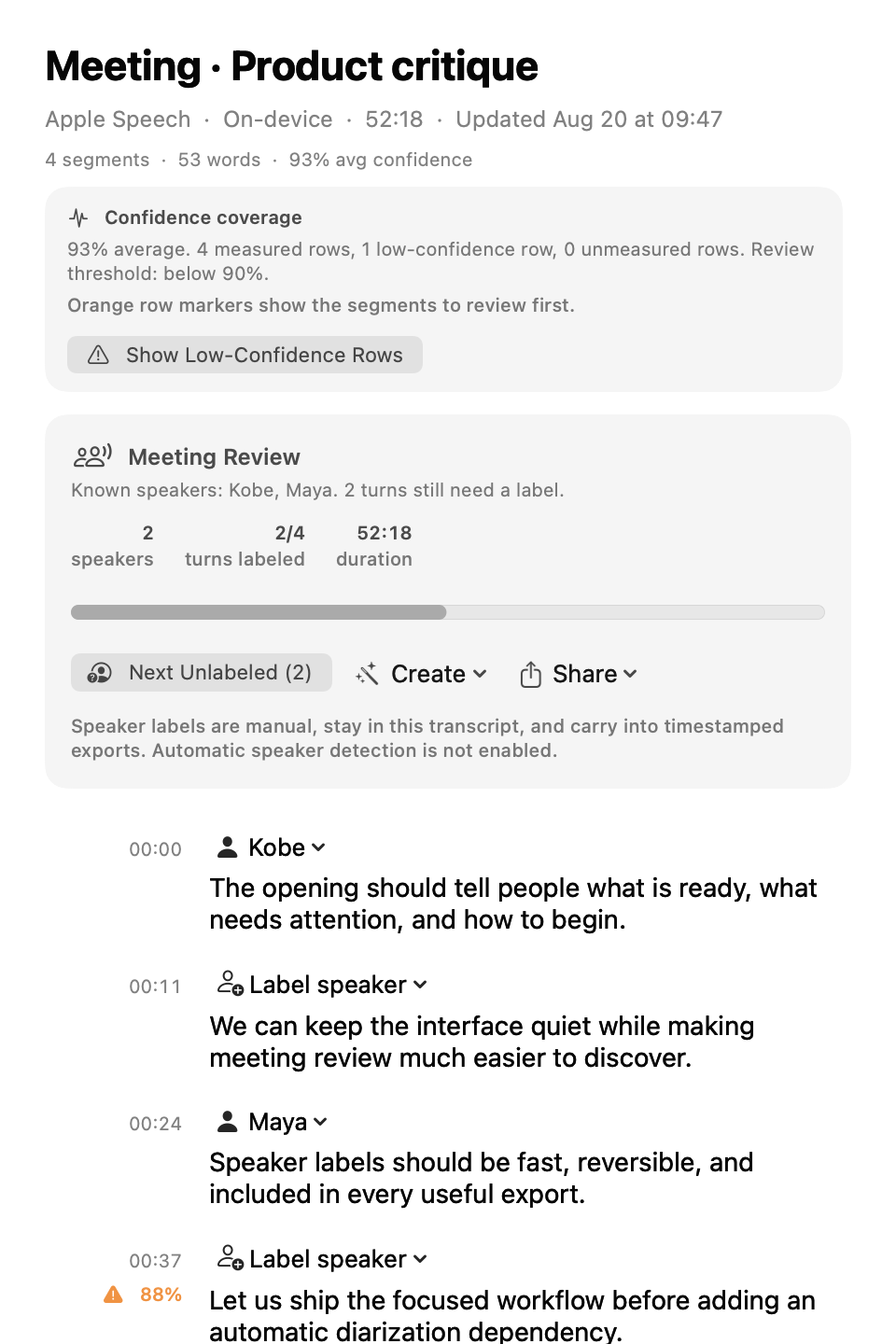
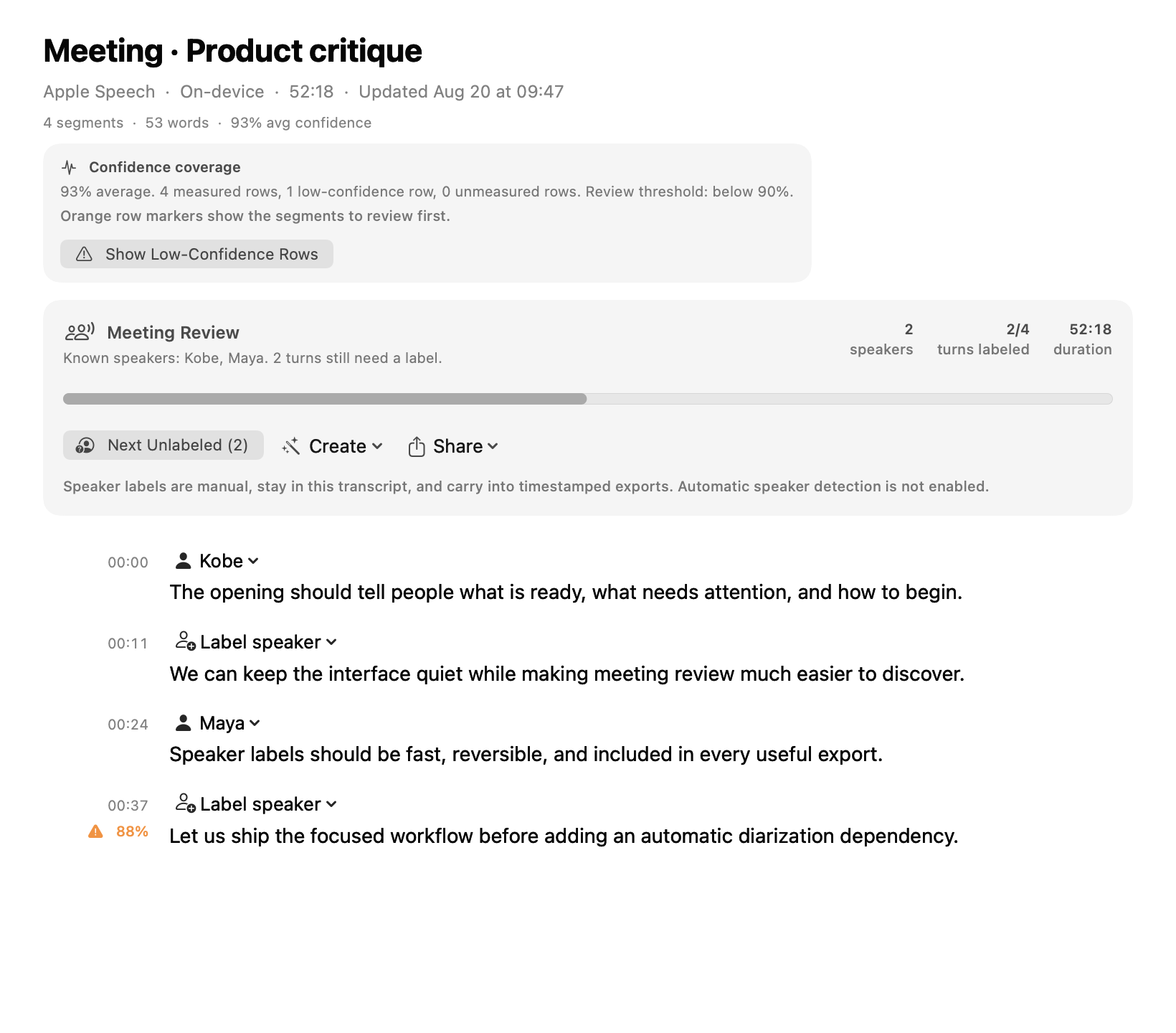
Meeting capture is a separate, user-started workflow for system audio, with an optional microphone mix. Finished recordings open in the same local transcript library, where speaker labels stay manual and editable.
Processing boundary
LocalWhisper does not provide a hosted inference service. The engine you select determines whether processing uses Mac capabilities, a service on hardware you control, or an optional endpoint you configured.
01
Use the speech capabilities available on your Mac, including language assets that macOS may need to install.
02
Choose a curated WhisperKit model, download it when needed, and run Core ML inference inside LocalWhisper.
03
Connect whisper.cpp, Parakeet Helper, Ollama, LM Studio, or an optional OpenAI-compatible endpoint you control.
System requirements
These requirements cover the base LocalWhisper experience and everyday use alongside the rest of your Mac apps.
M1 or newer
Apple silicon only. Intel Macs are not supported.
macOS 26 or later
Earlier macOS releases are not supported.
8 GB minimum
16 GB recommended for comfortable use alongside your other apps.
2 GB
Enough room for the app and the base experience.
Saved recordings and optional models use additional space. LocalWhisper shows each model's download size before installation.
Fit check
LocalWhisper keeps the library on your Mac and lets you pick the engine. That choice matters when a workflow must stay local or use an endpoint you control.
Strong fit
Choose something else
Current release 0.1.5 · · signed update feed
One-time purchase
$29
Try transcription, dictation, and meeting capture for 14 days before buying. No card required.
Download the 14-day trialWhen the trial ends, you can no longer start a new transcription, dictation, or meeting-capture workflow; existing transcripts remain available to view, edit, search, and export.
Review the LocalWhisper terms, refund policy, and privacy notice.
Before you start
It depends on the engine you select. Built-in Whisper runs through Core ML on your Mac. Apple Speech can use the modern on-device path for supported locales; legacy recognition follows Apple’s Speech Recognition permission and service behavior. Local services stay on the host you configure. An optional user-configured endpoint can receive the audio, transcript, prompt, or question needed for the action you request. LocalWhisper does not provide a hosted inference service.
A model or language asset may need to be downloaded when you choose it. Requests also occur when you use an optional endpoint or network service that you configured, and legacy Apple recognition follows Apple’s service behavior. The selected provider and its location determine where a configured request goes.
When the trial ends, you can no longer start a new transcription, dictation, or meeting-capture workflow; existing transcripts remain available to view, edit, search, and export.
The app does not require a SideQuest account for its transcript library. Any account, credential, or access requirement for an optional service belongs to the provider you choose.
The signed LocalWhisper license key is verified entirely on your Mac. Activating it does not contact SideQuest, send a device identifier, or create an activation record.