01
Freeze, then choose
The screen holds still before you select an area, window, or display, so moving UI cannot spoil the frame.

Show & Tell
Capture · Explain · Share
Screenshots, scrolling capture, and window-aware recording with a real annotation editor and on-device background removal.
No card required · Native Mac app · Apple silicon · macOS 26 Tahoe or later
A complete capture loop
Freeze the screen first, then choose an area, window, display, or scrolling page.
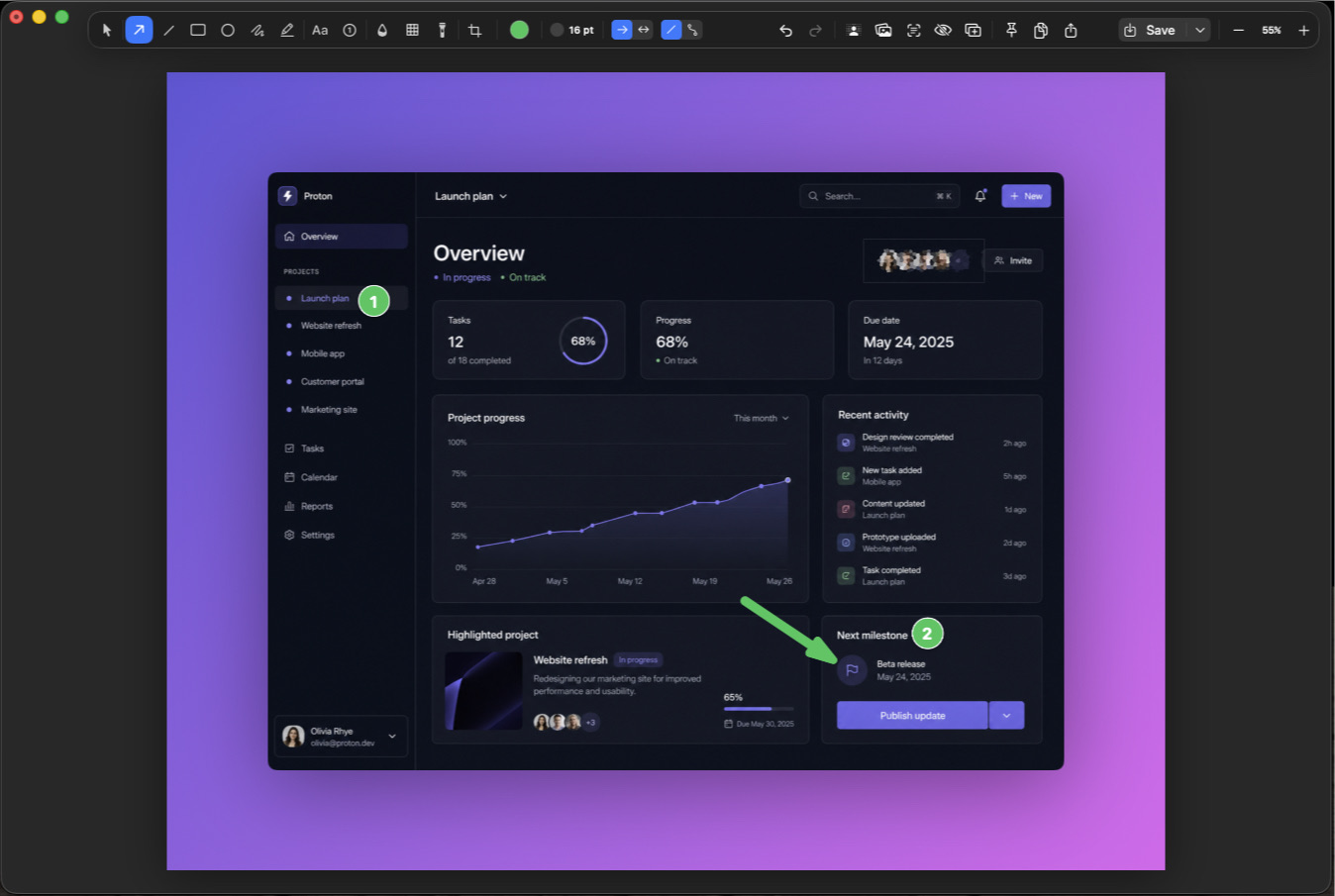
Add editable arrows, counters, text, shapes, highlights, backgrounds, and redaction.
Copy it, save it, pin it, or keep it in the Quick Access shelf for the next step.
Annotation that stays editable
Move an arrow after the layout changes. Reword a label. Blur the sensitive part. Every annotation remains an object instead of becoming a permanent mistake.

On-device background removal
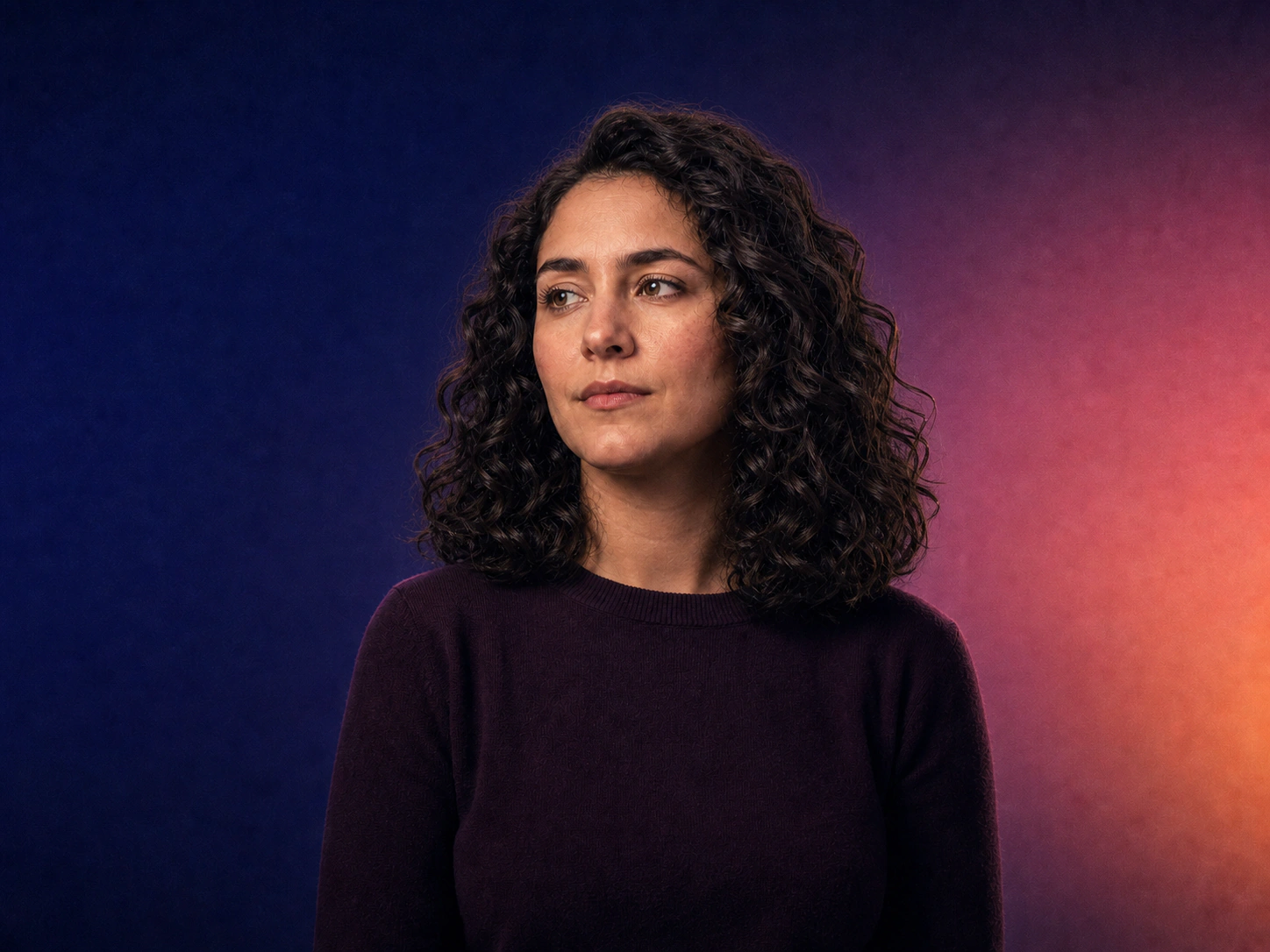
Remove a background locally, then restore or erase the difficult edges with a brush that follows image detail. Drag the divider to compare the original and cutout.
Runs on your Mac · No image upload
Window-aware recording
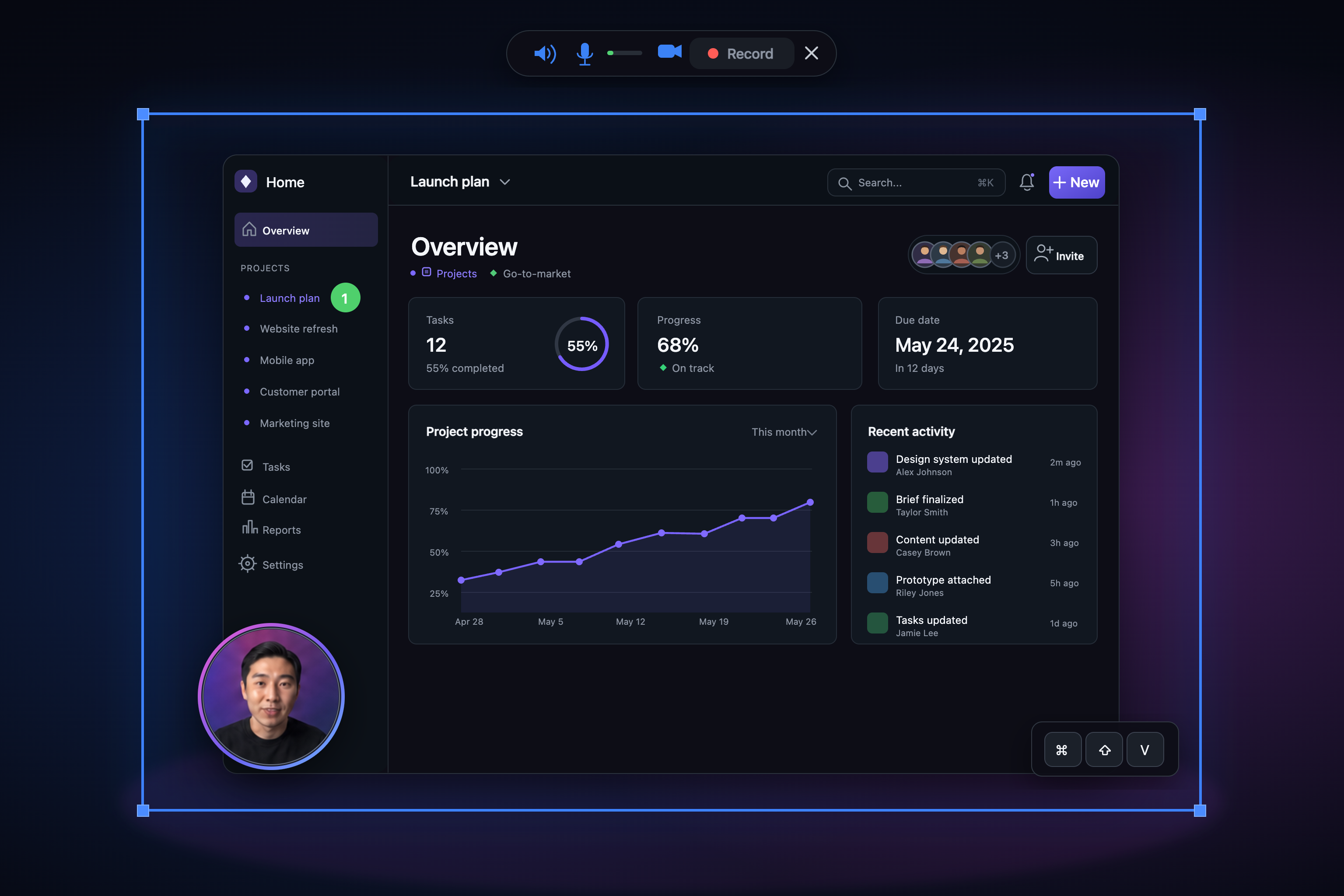
Choose a window, microphone, camera, pointer, and keystroke display before recording. The selected window can keep its place even as it moves between displays.
More than the moment
01
The screen holds still before you select an area, window, or display, so moving UI cannot spoil the frame.
02
Arrows, counters, text, shapes, highlights, and redaction remain editable until the explanation is right.
03
Capture vertically scrolling content and let Show & Tell stitch it into one continuous image.
04
OCR makes the words inside screenshot history searchable, alongside thumbnails and capture-type filters.
05
Arm a recording, choose a window, and keep following it even when it moves across displays.
06
Send captures to the shelf, editor, clipboard, or a file with the shortcut and filename pattern you prefer.
The honest comparison
The built-in tools are excellent for a quick grab. Show & Tell is for the capture that needs to explain, travel, or stay useful later.
Fit check
Show & Tell keeps the capture, edit, record, and search workflow on your Mac. It is not a cloud team library or a universal cross-platform service.
Inside the frame
Outside the frame
Current release 1.5.3 · · signed update feed
Private by construction
Captures, recordings, OCR, screenshot search, and background removal run locally. Show & Tell does not require an app account and does not send usage telemetry.
Read the privacy policyFAQ
Show & Tell requires an Apple silicon Mac running macOS 26 Tahoe or later.
No. Capture, recording, OCR, search indexing, and background removal stay on your Mac. The app uses the network for cryptographically signed update checks and license activation, and it sends no usage telemetry.
Scrolling capture is designed for vertical pages, threads, and timelines. Horizontal scrolling is not supported, and sticky headers can sometimes ghost in the stitched result.
Each license allows 2 successful activation events. They are activation events, not tracked machine seats, so a reinstall or removed Keychain activation can use another event. Once the signed receipt is stored, the app verifies it locally and works offline.
$19 USD is a one-time purchase. The version you buy keeps working, and the purchase includes every update released during the first 12 months. New installs include a 7-day trial.
Screen Recording is required for capture. Microphone and camera access are requested only when you turn them on for a recording. The keystroke display uses an optional Accessibility permission.
Yes. Capture shortcuts are rebindable in Settings, and each one can send its result to a different destination.
One-time purchase
$19
Start with the 7-day trial. No card and no app account required.
Your purchase includes every update released during the first 12 months. The app you have keeps working afterward.
Each license allows 2 activation events, then verifies its signed receipt offline.
Stripe handles payment. See the terms and privacy policy.